AI Logo Development

AI logo design involves using artificial intelligence tools to automate and enhance the logo creation process, providing quick, cost-effective, and professional results tailored to specific brand needs. These tools are particularly useful for entrepreneurs and startups with limited budget or design skills.
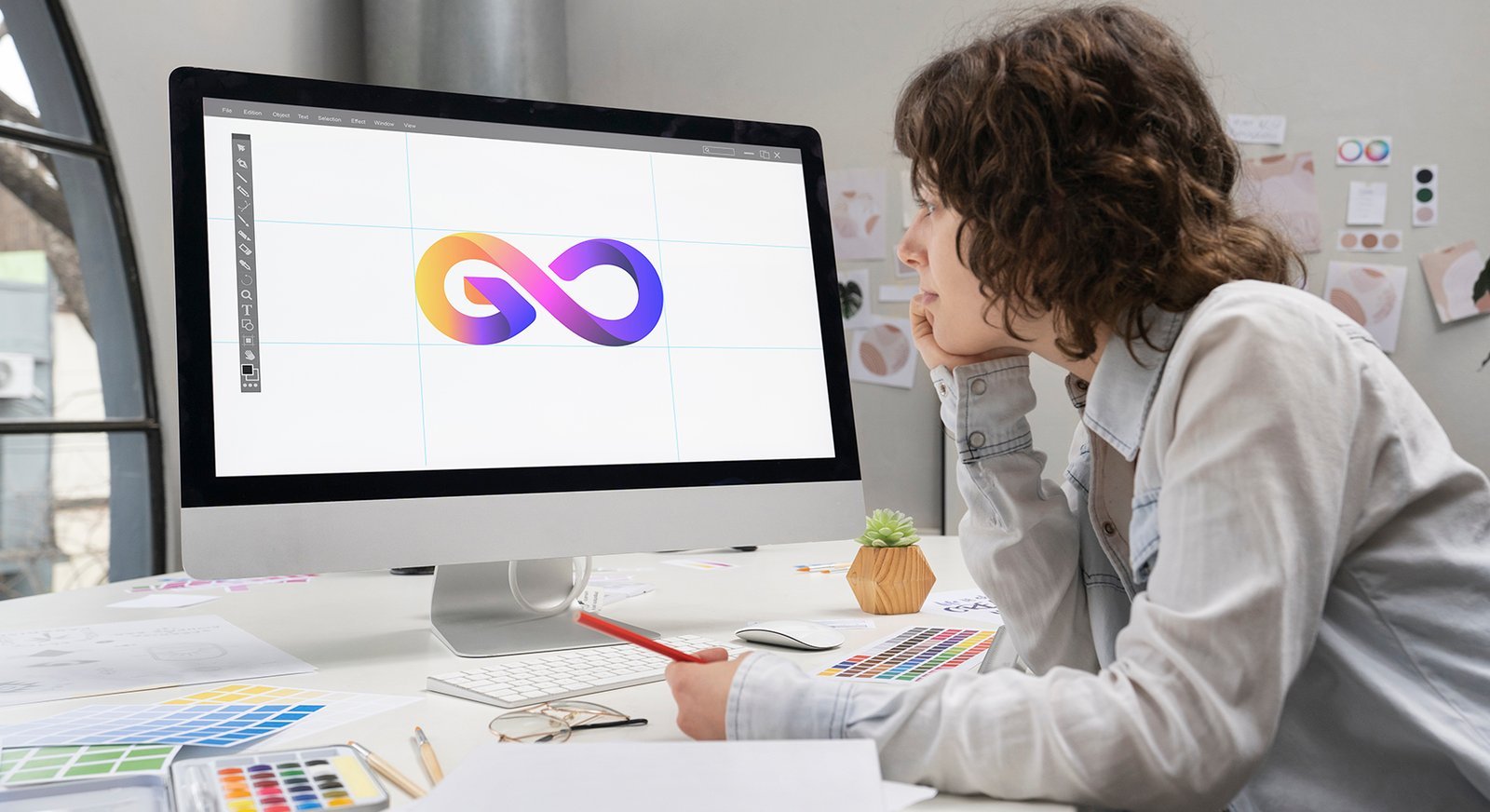
How AI Logo Design Works

AI logo makers use algorithms that pull from a vast library of design elements (templates, fonts, colors, icons, and styles) based on user inputs.
The general process is as follows:

Input Brand Information

You start by entering your business name, industry, and a description of what your brand does and its personality.

Specify Preferences

You select preferred visual elements like styles (e.g., minimalist, modern, vintage), colors, and font types to guide the AI.

Generate Options

The AI then generates numerous unique logo designs in seconds based on your specifications.

Customize and Refine

You choose a favorite design and use the built-in editor to make further tweaks to layouts, colors, and fonts.

Download Files

Once satisfied, you can download the logo in various high-resolution formats (PNG, SVG, JPG) suitable for both digital and print use.

Key Write-ups and Best Practices

Writing effective prompts for AI logo generators is crucial for getting desired results.

AI in graphic designing means using artificial intelligence tools to help designers create visuals faster, smarter, and more creatively. AI doesn’t replace designers—it enhances their skills by automating repetitive tasks and offering intelligent suggestions.

Be Specific and Detailed

Clear instructions yield better results. For example, specify the logo type (mascot, emblem, wordmark), subject, style, and color palette.

Use Keywords

Incorporate keywords that describe your brand values (innovation, reliability, creativity) and the emotions you want to evoke.

Specify Styles and Techniques

Include artistic styles like “flat design,” “line art,” or “gradient” to guide the AI’s aesthetic output.

Iterate and Refine

The process is iterative. If the initial results aren’t perfect, adjust one variable in your prompt or use the style reference feature to generate variations.

Focus on the Icon/Concept First

Currently, many AI image generators struggle with incorporating text perfectly within the image; often it is better to generate the visual mark first and add the business name or slogan using the editor or a separate design software later.

How AI Helps in Graphic Designing

Logo & Branding Design

AI can generate logo concepts, brand colors, and typography ideas based on your business type.

Image Generation & Editing

Create images from text prompts, enhance photo quality, remove backgrounds, and retouch images instantly.

Layout & Design Suggestions

AI suggests balanced layouts for posters, social media posts, flyers, and websites.

Color & Font Selection

Automatically picks color palettes and font combinations that match brand identity.

Time-Saving Automation

Tasks like resizing designs for multiple platforms or formatting templates are done in seconds.